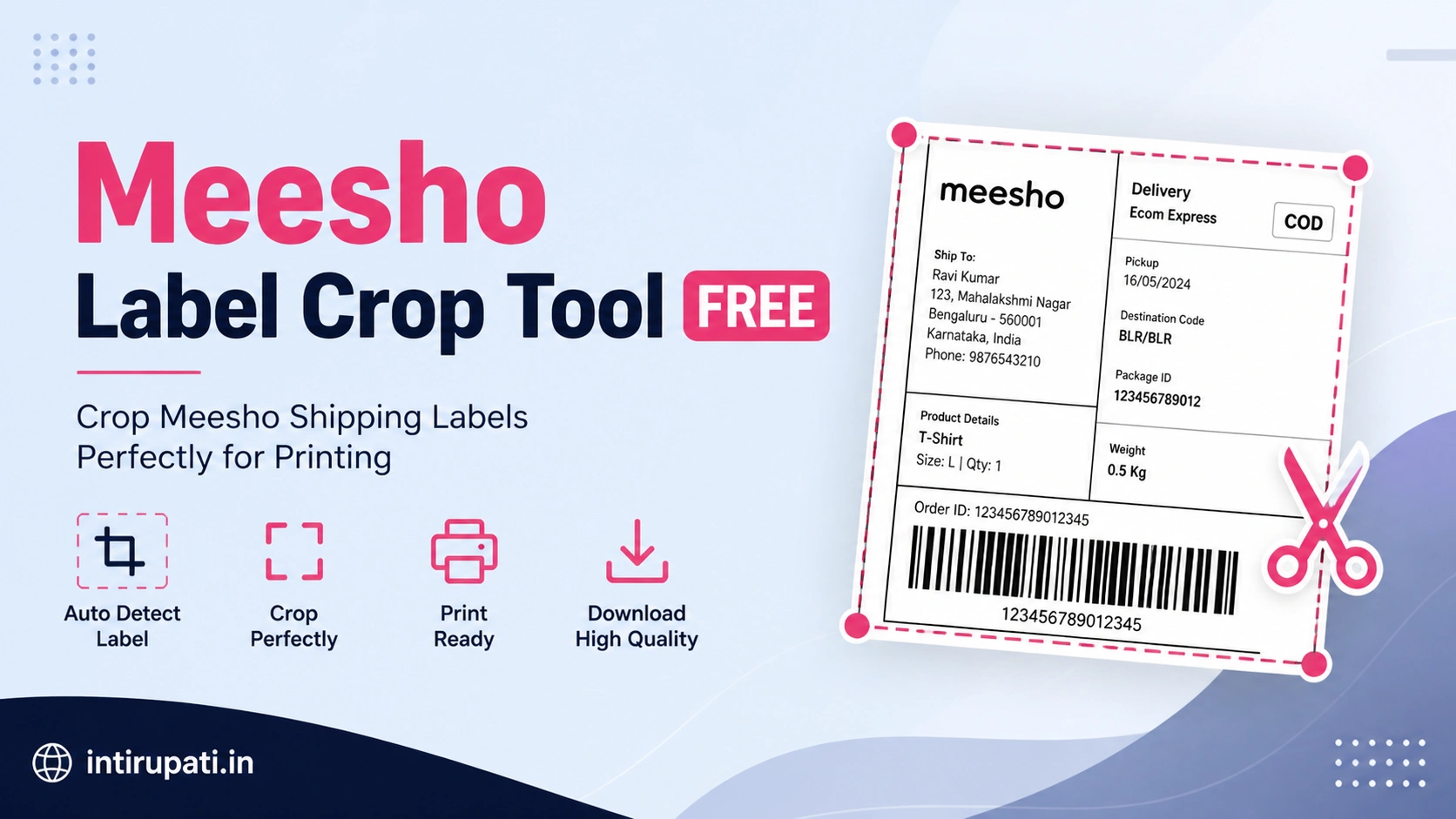
Meesho Shipping Label
Crop Tool
Instantly crop, resize & download your Meesho shipping labels for free. No app, no login — works on mobile & desktop.
How to Use Meesho Shipping Label Crop Tool
Crop your Meesho label in 3 simple steps — no experience needed
Upload Label
Click "Choose Label Image" or drag & drop your Meesho shipping label (screenshot or downloaded image).
Adjust Crop Area
Drag the red handles to select the label area. Use "Meesho Standard" preset for quick accurate cropping.
Download & Print
Click "Crop & Download" — save as PNG or JPG. Your label is ready to print and paste on the package.
Why Use Our Meesho Label Cropper?
Built for Meesho sellers — fast, free & accurate
Instant Processing
Crop your Meesho shipping label in under 5 seconds. Fully browser-based — no upload to server.
100% Free
No subscription, no watermark, no hidden charges. This Meesho label crop tool is free forever.
Mobile Friendly
Works perfectly on Android & iPhone browsers. No app download needed to crop Meesho labels.
100% Private
Your label images never leave your device. Cropping happens locally — customer data stays safe.
Meesho Presets
One-click presets for standard Meesho label sizes — 4×6 inch, half-page, quarter-page formats.
Print-Ready Output
Download in high-quality PNG or JPG — perfectly sized for printing your Meesho shipping labels.
What is the Meesho Shipping Label Crop Tool?
The Meesho Shipping Label Crop Tool is a free online utility designed specifically for Meesho sellers who need to crop, resize, and download their shipping labels quickly and accurately. When you generate a shipping label from the Meesho seller panel, it often comes with extra white space or is embedded in a full A4 page. This tool lets you crop exactly the label portion — saving paper, ink, and printing costs.
Why Do Meesho Sellers Need a Label Crop Tool?
Every Meesho order comes with a shipping label that must be printed and pasted on the package. However, the default Meesho label format often includes unnecessary margins that waste paper. Our Meesho label cropper solves this problem instantly.
- Reduces label printing cost by cropping blank spaces
- Saves paper — print multiple labels on a single A4 sheet
- Accurate crop preserves barcode and address details
- No need for Photoshop or any software installation
- Ideal for high-volume Meesho sellers managing 10–100+ orders daily
Meesho Shipping Label Size Guide
Understanding the correct Meesho shipping label size helps you print clean, scannable labels:
- Standard Meesho Label: 4 inches × 6 inches (100mm × 150mm)
- Half-Page Label: A4 folded in half (148mm × 210mm)
- Small Label: 3 inches × 4 inches for small packets
How to Download Meesho Shipping Label
- Go to Meesho Seller Panel → Orders → Ready to Ship
- Click on the order → select "Download Shipping Label"
- Take a screenshot or save the label as an image
- Upload to our Meesho Label Crop Tool above
- Adjust the crop box → click Download → print!
Tips for Printing Meesho Shipping Labels
- Print in high resolution (300 DPI) to ensure barcode scannability
- Use A4 thermal printer paper or sticker sheets for best adhesion
- Never cover the barcode or order number when pasting the label
- Print a test label first before bulk printing
- Laminate labels for items that may get wet during delivery
🔍 Related Searches
Frequently Asked Questions
Everything about cropping Meesho shipping labels
The Meesho Shipping Label Crop Tool is a free, browser-based online utility for Meesho sellers to crop, resize, and download their shipping labels instantly. Upload your label image, select the crop area, and download a clean print-ready label — no software installation required.
Upload your shipping label image → drag the red handles to select the label area → click "Crop & Download". Use the "Meesho Standard" preset for the correct 4×6 inch size automatically.
The standard Meesho shipping label size is 4 inches × 6 inches (100mm × 150mm). Our "Meesho Standard" preset automatically sets this crop dimension so you don't have to measure manually.
Yes, completely free. No registration, no subscription fee, no watermark on downloaded labels, and no usage limit. Built for Meesho sellers on intirupati.in.
Yes! Fully mobile-friendly and works on Android and iPhone browsers (Chrome, Safari). No app download needed — open the page, upload, crop and download your label directly from your phone.
Absolutely. All processing happens entirely within your browser using JavaScript Canvas API. Your images and label data are never uploaded to any server — everything stays on your device.
The tool supports JPG, JPEG, PNG, and WebP formats. Screenshots from the Meesho app work perfectly. Download your cropped label as PNG (lossless, best for barcodes) or JPG (smaller file size).
The tool processes one label at a time. After downloading, click "Crop Again" to upload the next label. For bulk processing, open multiple browser tabs simultaneously.
